PlanSync
BUILT FOR DATA CENTER DELIVERY
From BIM to operations — one connected facility.
Drawings, BIM, assets, commissioning, and O&M in one workspace — from construction through handover.
Built for owners, GCs, MEP, commissioning, and facility ops.
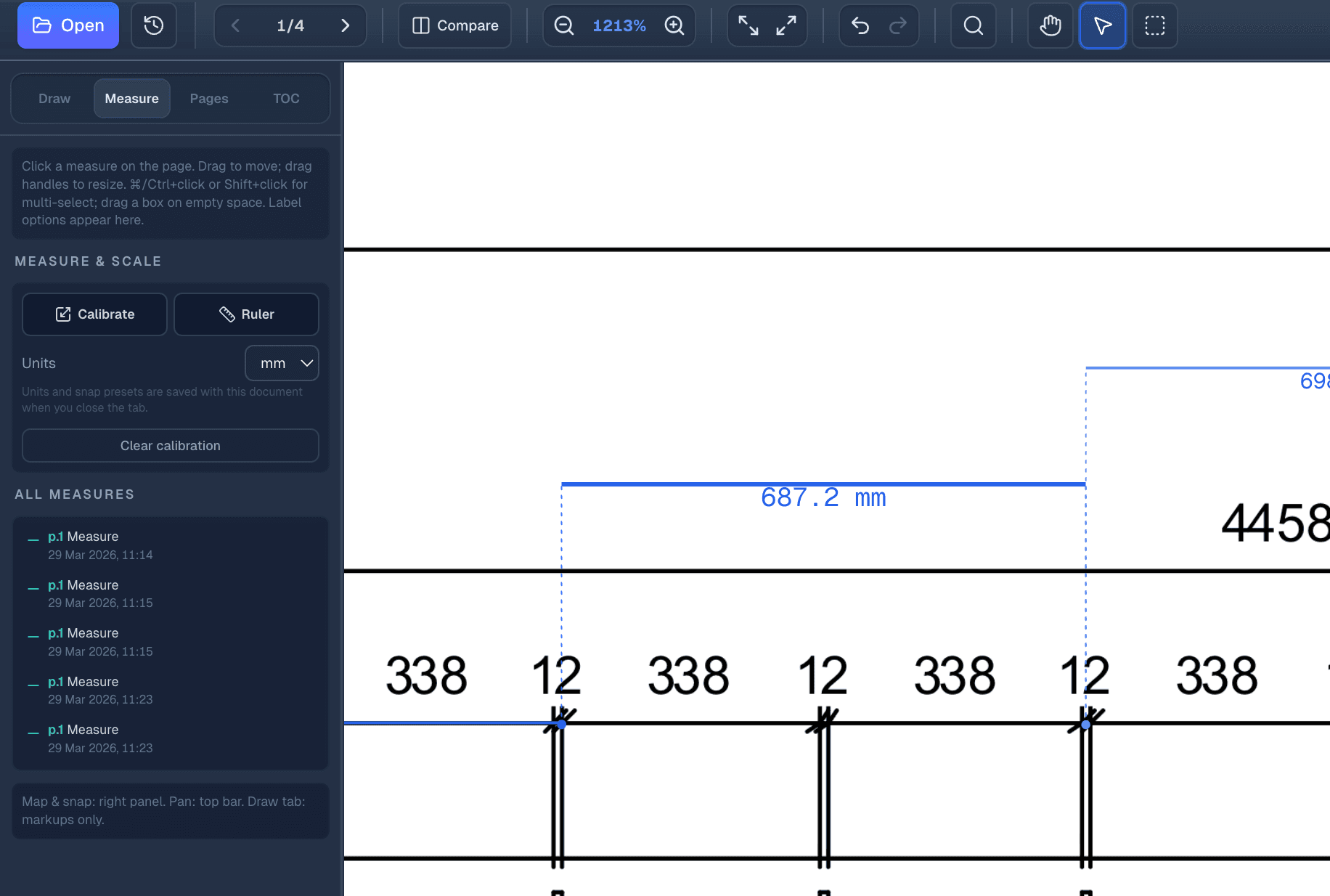
Floor plan
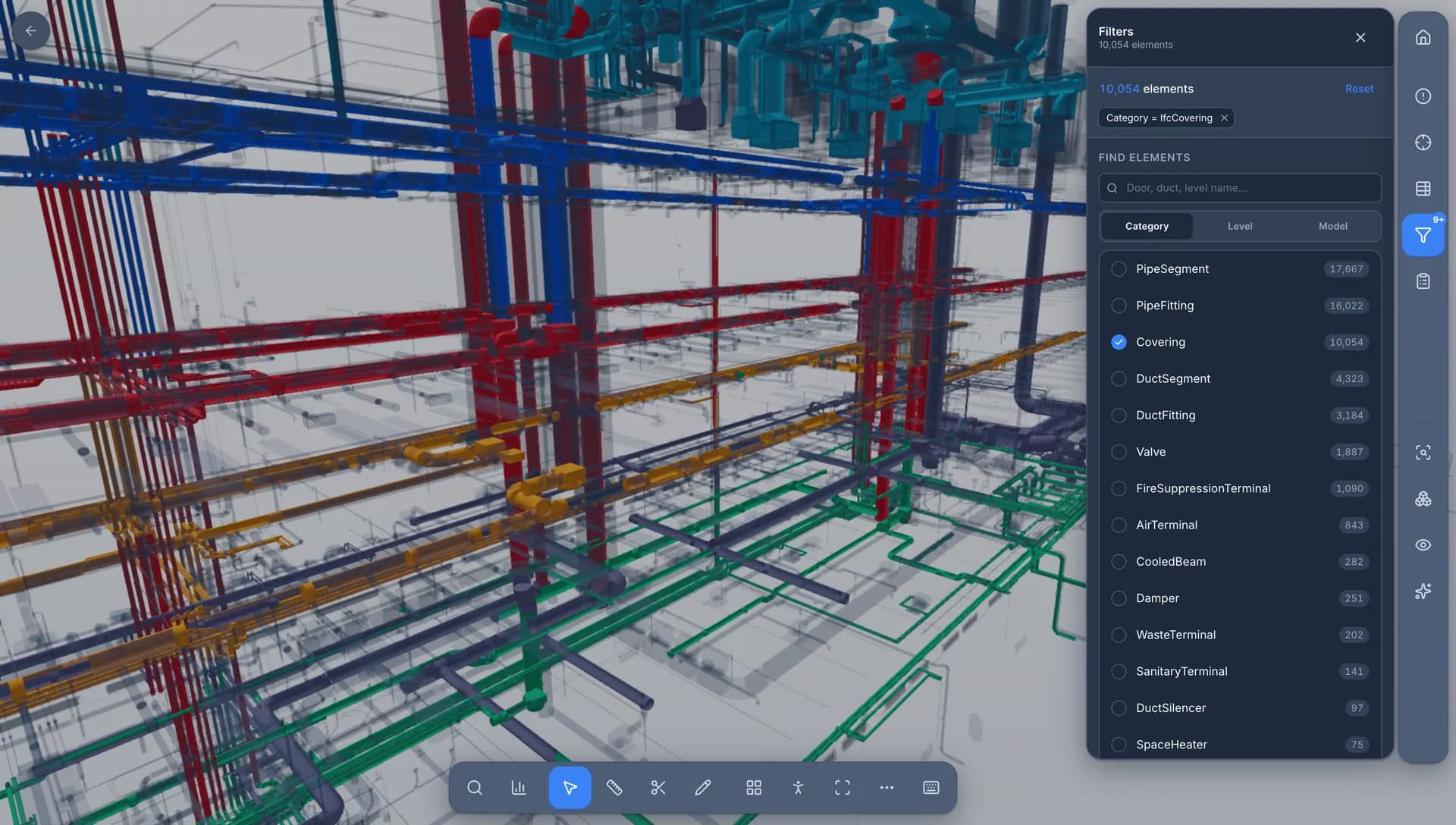
3D BIM
Asset
CRAH-017
- System
- Cooling
- Location
- Data Hall 02
- Level
- L02
- Status
- Operational
Documents
- O&M Manual
- Commissioning Report
- Warranty
The information problem
Data centers generate thousands of pieces of information.
Drawings, BIM models, equipment records, commissioning documents, inspections, and O&M information are often scattered across disconnected systems.
Drawings
PDFs
BIM
Revit / IFC
Documents
Spreadsheets
Equipment
Excel
Disconnected information

Before the facility is live
The build generates thousands of records.
Drawings, models, inspections, and equipment lists — PlanSync keeps them tied to the facility instead of buried in folders.
Platform
One facility. One connected data model.
PlanSync layers drawings, BIM, assets, commissioning, and operations into a single facility workspace.
- 01
Drawings
Every plan, revision, markup, and issue stays tied to its exact location.
- 02
BIM
Bring IFC/BIM models into the same spatial context as drawings, systems, and assets.
- 03
Assets
Turn equipment into searchable, trackable digital assets.
- 04
Commissioning
Connect inspections, testing, documentation, and readiness to the equipment being delivered.
- 05
Operations
Carry asset information from project delivery into O&M without rebuilding the data.
Signature workflow
Find it in the drawing. Understand it in 3D. Operate it as an asset.
Select equipment on a floor plan, confirm it in the BIM model, then open the connected asset record with documents and history.
2D
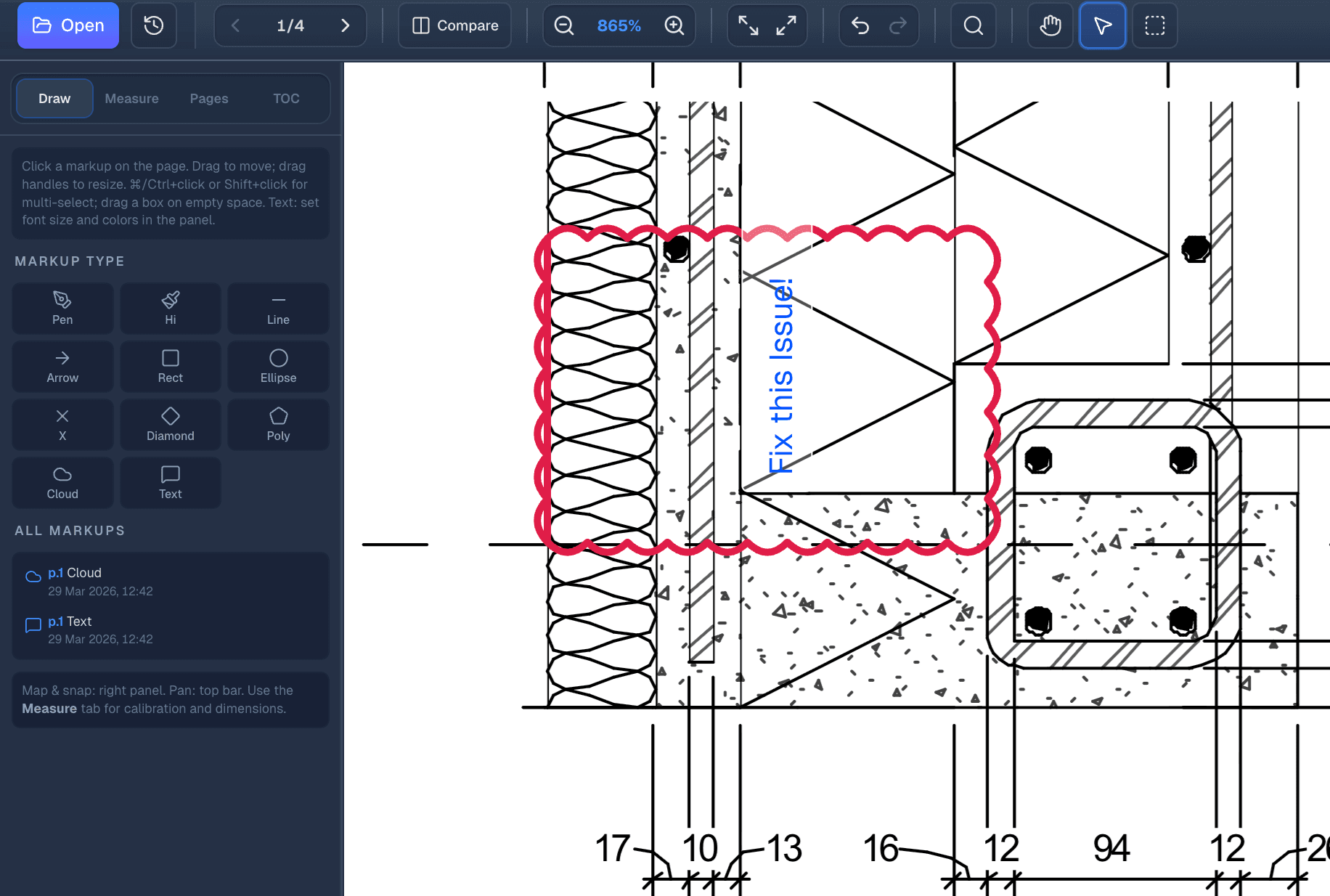
2D
3D
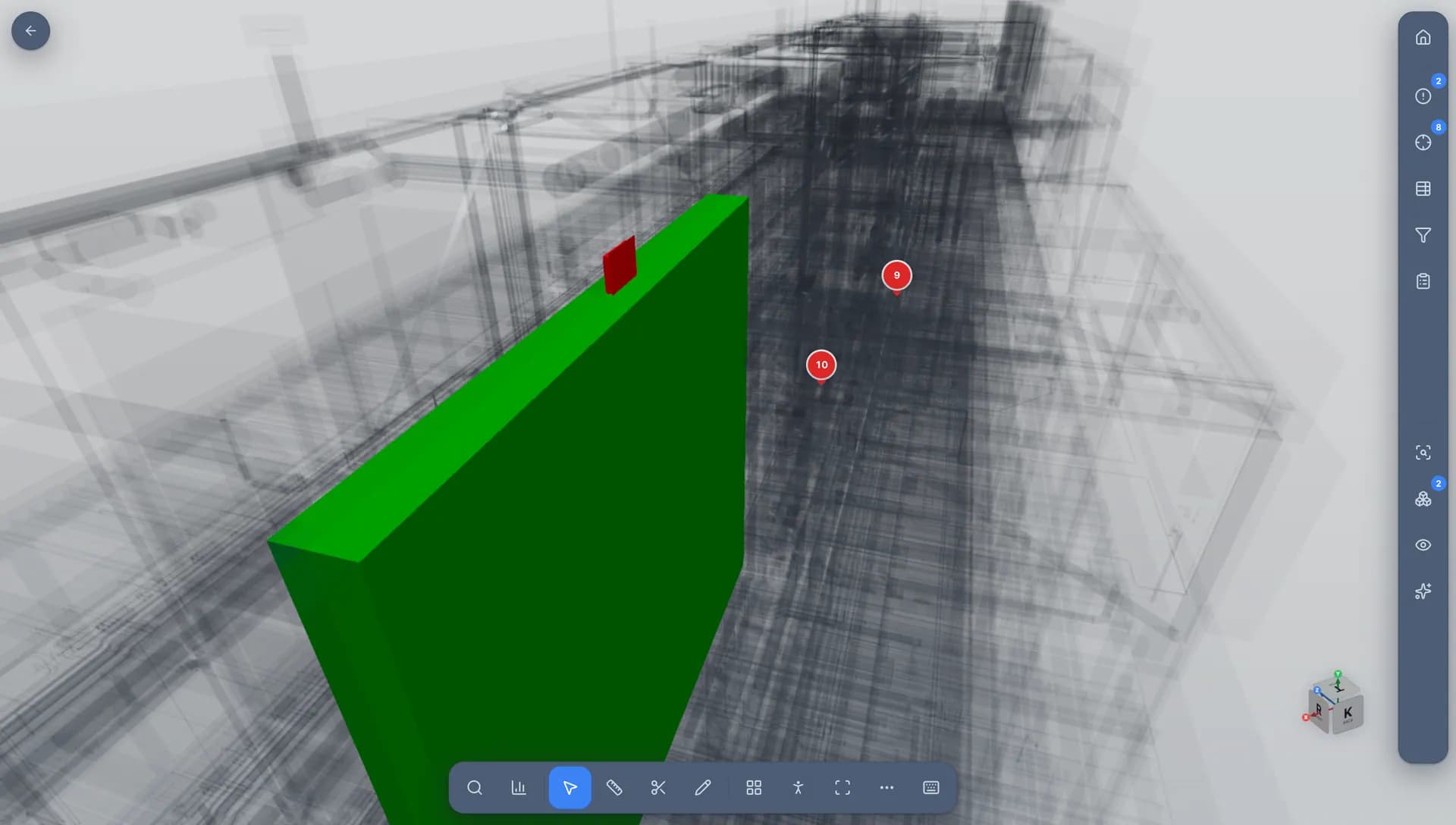
Asset
OperationalCRAH-017
- System
- Cooling
- Location
- Data Hall 02
- Level
- L02
- Status
- Operational
Documents
- O&M Manual
- Commissioning Report
- Warranty
- Submittal
History
- Installation
- Inspection
- Commissioning
- Maintenance
Data center systems
Built around the systems that keep a data center running.
Connect systems, equipment, drawings, documents, and commissioning records to the physical facility.

Physical to digital
Every rack is an asset waiting to be connected.
240+
Cabinets
4
Systems
01
Electrical
UPS · Switchgear · PDU · Generator
02
Mechanical
Chillers · CRAH · Pumps · Cooling loops
03
Fire & Life Safety
Fire pumps · Detection · Suppression
04
Controls
BMS · EPMS · Monitoring
Commissioning readiness
Know when the facility is ready.
Track system readiness and outstanding asset work so delivery and operations share one readiness picture.
0%
- Electrical96%
- Mechanical94%
- Cooling89%
- Fire Protection98%
- Security92%
- Controls / BMS84%
- Commissioning87%
- Documentation91%
Critical outstanding items
- CRAH-02-017Commissioning test incomplete
- UPS-03O&M documentation missing
- PDU-14As-built model mismatch
- Generator-02Integrated systems test pending
Handover
Don't let the digital twin die at handover.
PlanSync carries BIM, drawings, assets, commissioning records, O&M documents, and project history into facility operations.
- BIM
- Drawings
- Assets
- Commissioning
- O&M
- Maintenance
Operations

Live infrastructure
Signal. Status. Continuity.
The same equipment that powers the facility stays linked to drawings, documents, and operational history.
Lifecycle
One thread from drawings to operations.
Capabilities mapped to how data-center delivery actually progresses.
01
Drawings
Plans, markups, revisions
02
BIM
IFC models in context
03
Assets
Equipment as records
04
Commissioning
Readiness on the asset
05
Operations
O&M without rebuild
FAQ
Frequently asked questions
Billing, storage, and how PlanSync supports data-center delivery and operations.
Is PlanSync only for data centers?
PlanSync is positioned for mission-critical data-center delivery and operations, while still supporting drawings, BIM, issues, RFIs, assets, and O&M workflows used across complex facilities.
Is Free really free forever?
Yes. The local PDF viewer is free forever. No hidden limits, no expiry, no credit card.
Where are my files stored on Free?
Free files never leave your browser. Everything stays on your device locally. We never see or upload your PDFs.
Where are Pro files stored?
Pro files are stored securely on AWS S3 in your account. Only your team can access them. All transfers are encrypted.
Can I cancel Pro anytime?
Yes. Cancel anytime from your billing settings. No questions asked, no lock-in.
How does the 14-day trial work?
Full Pro access for 14 days, no credit card needed. Upgrade anytime during or after the trial.
Do you support BIM / IFC?
Yes. PlanSync includes a browser BIM/IFC viewer so models sit in the same workspace as drawings and assets.
Do you support DWG/CAD files?
PDF today. DXF/DWG are on the roadmap and not available yet.
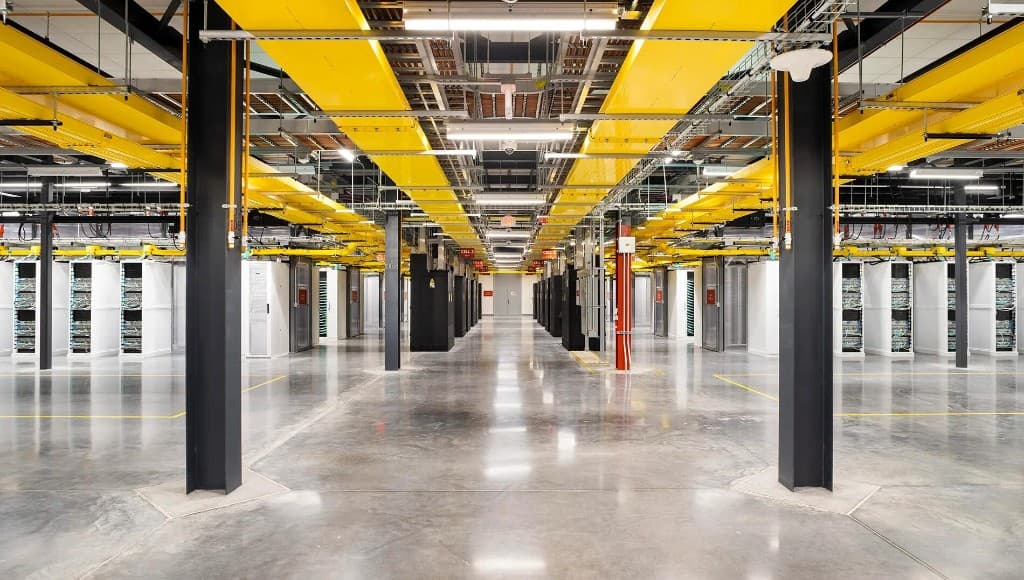
See PlanSync for your next data center.
Connect delivery data from BIM to operations in one workspace.