
ConstructionSolution overview
Issues on drawings
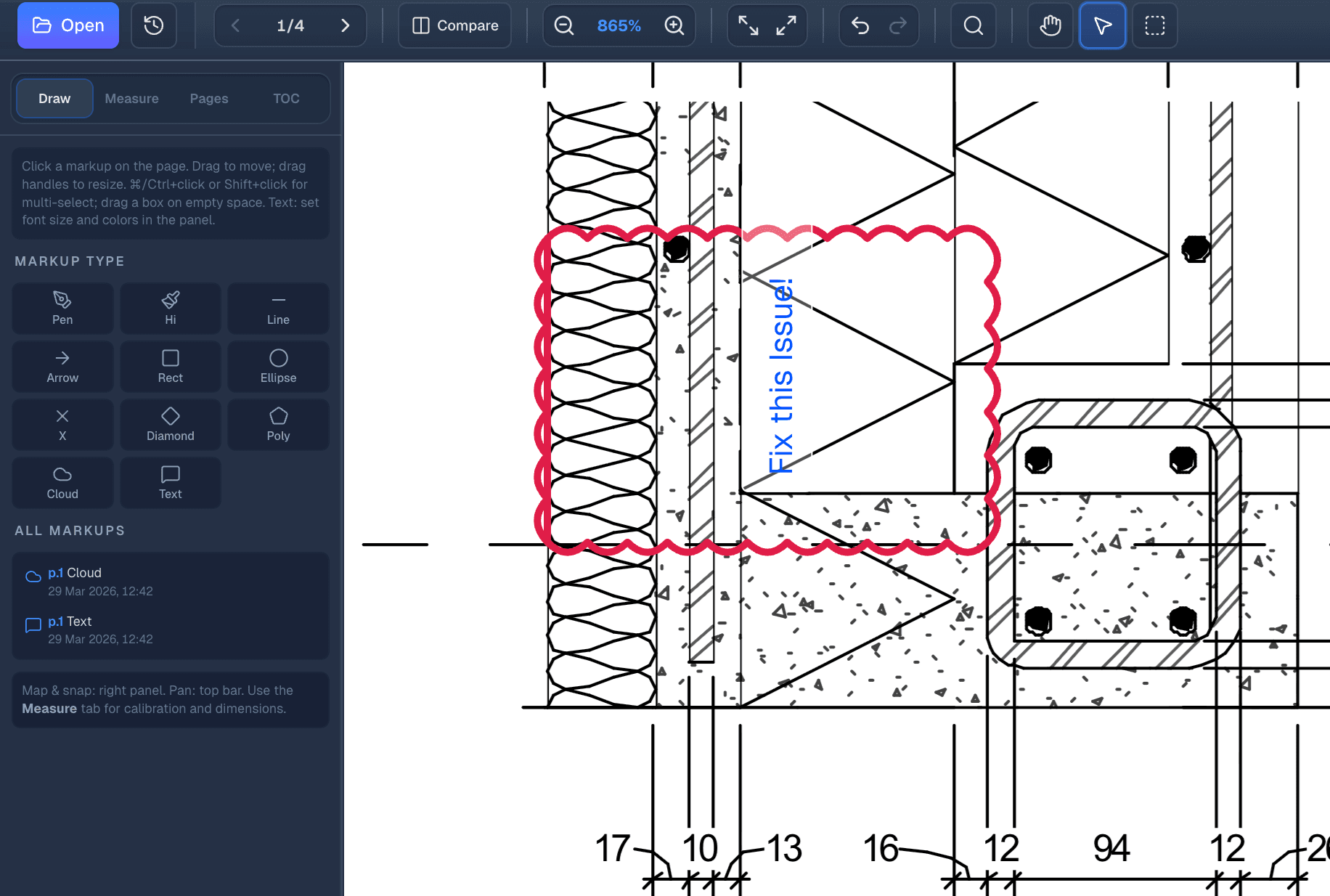
Drop pins on the plan, assign owners, attach photos, and track status from open to resolved with your team.
- Every pin carries context: who, what, and where on the sheet.
- Notifications keep field and office aligned without chasing email.
Product preview
Issues on drawings in production
Workflow preview with role-based actions and reporting
Preview frame tuned for product storytelling.
Deep dive
How Issues on drawings works in PlanSync
Interactive preview below that keeps the layout stable for future product media swaps.
Pin issues directly on the drawing
Click anywhere on a plan to drop an issue pin. Assign it, set priority, attach photos. Your team gets notified instantly. Track from Open to Resolved without leaving PlanSync.
- Filter and sort by assignee, priority, or trade so nothing slips through.
- Photo attachments and comments stay next to the pin, not in a separate thread.
plansync.dev